
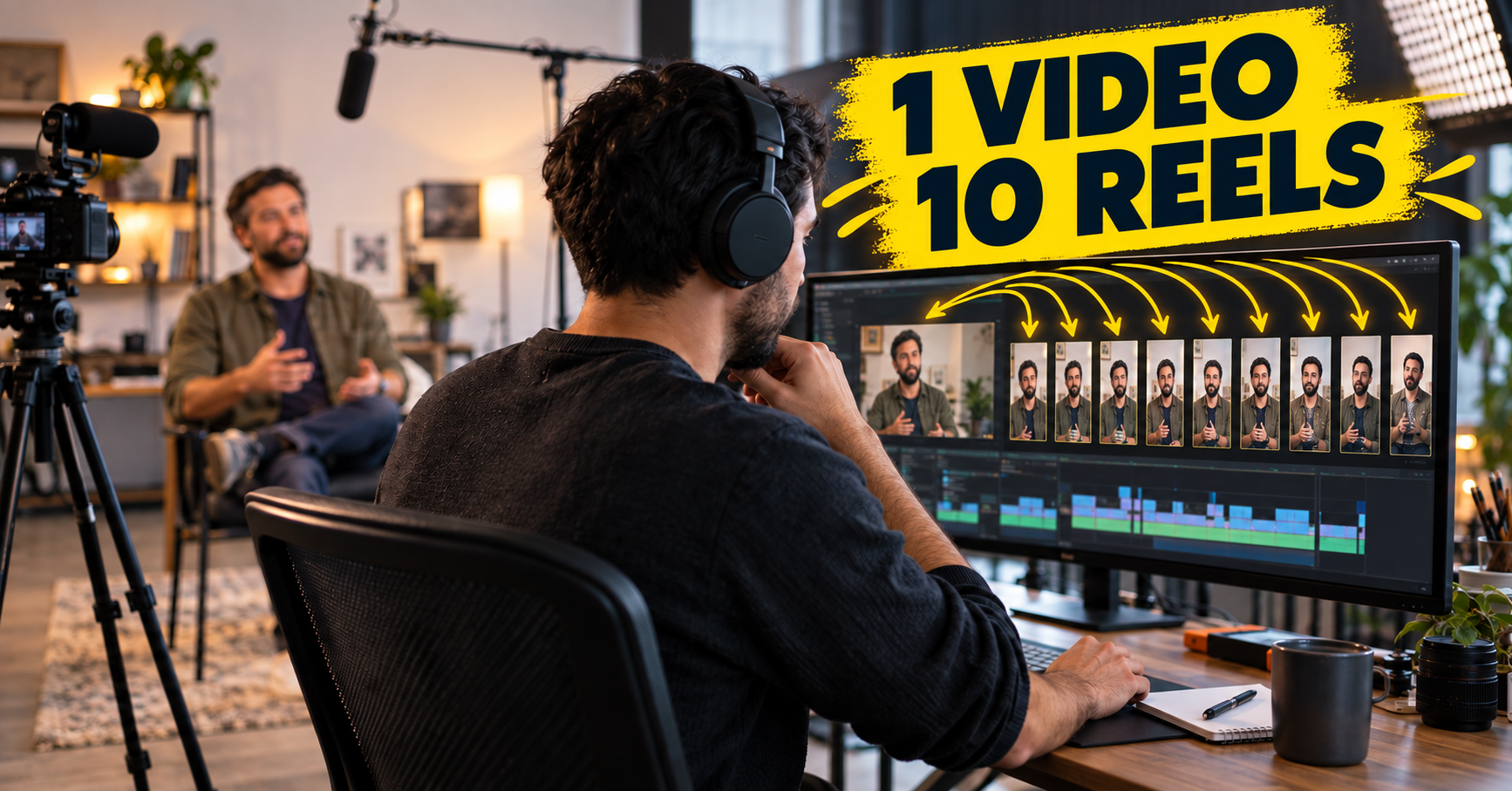
To repurpose one video into ten Reels, plan the recording around questions people actually ask, then select complete answers rather than cutting at random. Ten clips are possible when the source contains ten clear ideas. One long video does not guarantee ten useful posts.
Plan one recording session for ten clips
Before filming, list customer questions, objections, process steps, and examples. Use each as a prompt. Ask the speaker to state one idea at a time and explain it in a complete thought. Clean audio and steady framing make editing easier.
Capture enough variety for clips to stand on their own:
- A direct answer to a frequent question
- A common mistake and a practical fix
- A short customer story with permission
- A process explanation or demonstration
- A comparison between two options
A strong first sentence can become the clip's opening. Use these Instagram Reels hook ideas to write a clear title without changing what the speaker meant.
Select complete moments
Review a transcript or recording and mark each moment that answers one question. Keep the context a viewer needs. If a clip begins halfway through a thought, record a short introduction or choose another moment.
Give the ten clips different roles. For example: three how-to answers, two proof stories, two process explanations, two myth corrections, and one service invitation. These are planning prompts, not fixed ratios. The content strategy guide can help connect each clip to an audience question.
Edit each clip for its platform
Reframe for vertical viewing where appropriate, keep captions readable, remove long pauses, and avoid editing that changes meaning. Add a title that explains the topic, then check that names, claims, and subtitles are accurate.
Do not publish every cut in a row. Schedule clips across the calendar, then review response before deciding which ideas deserve another version. See our guide to Reels editing mistakes and how often to post.
One recording can also support a longer article, email, or carousel. Choose a next step for each clip, such as viewing a related guide or visiting your services page.
FREQUENTLY ASKED QUESTIONS
Can a webinar become Reels?
Yes, if speakers are clear, audio is usable, and each selected section makes sense without the full session. Add context when a clip depends on earlier material.
Should all clips go live together?
No need. Space them out and mix them with other topics so each clip has room to be understood.
See our client projects for examples of content and digital work. If you need help planning, recording, and editing a clip series, ask our video team about production support.