
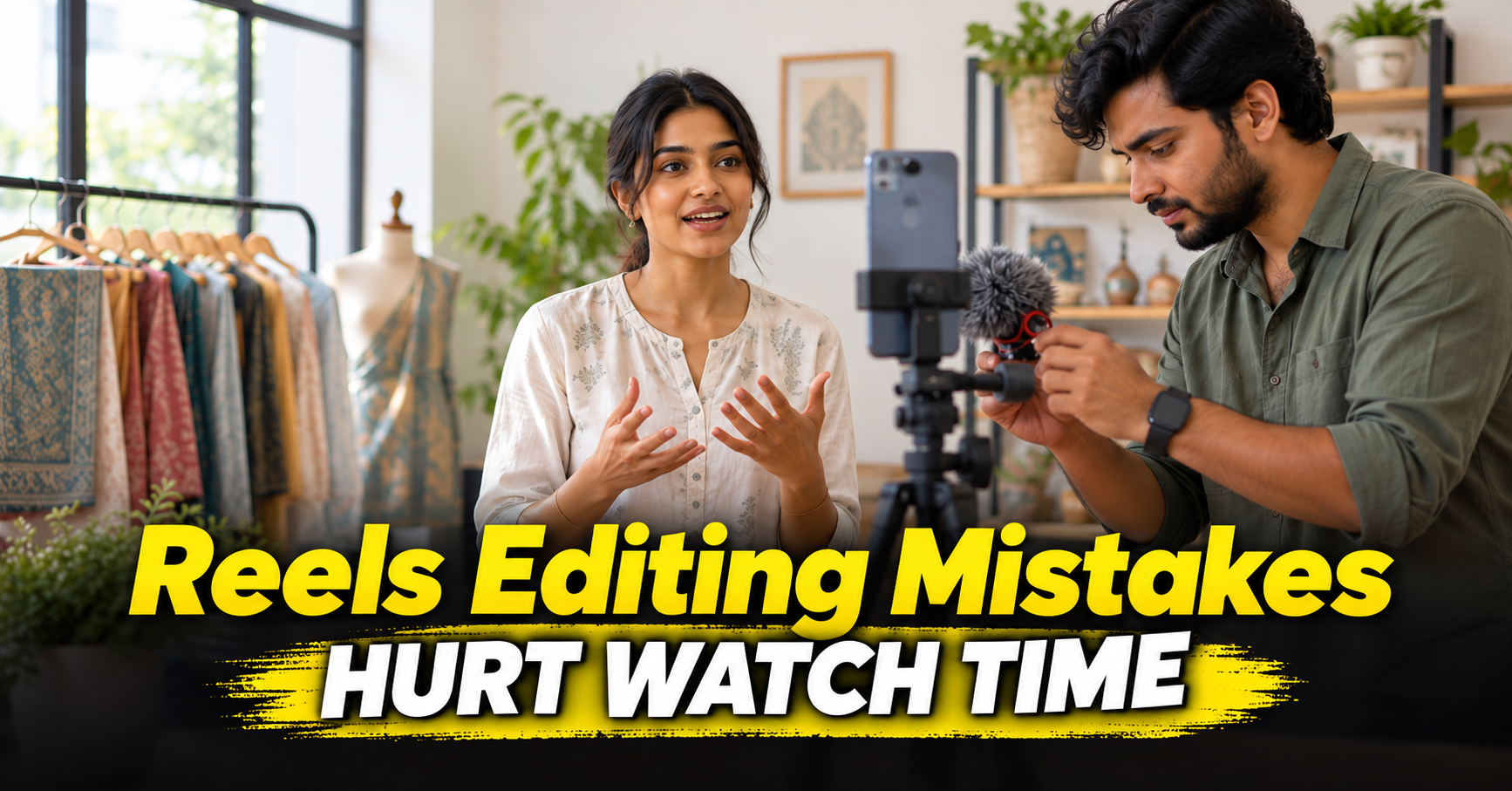
These Instagram Reels editing tips focus on the parts that can make a clear idea hard to watch: a delayed point, hidden text, uneven audio, busy cuts, and a missing next step. Use them as a final review before publishing. For opening-line ideas, see our separate Reels hook guide.
PUT THE MAIN IDEA BEFORE THE BRANDING
Long logos, greetings, and repeated setup delay the useful part. Trim pauses and repeated sentences so the viewer reaches the point without waiting. Keep the speaker's meaning intact. Editing can sharpen an opening, but it should not turn a real answer into a claim the person did not make.
KEEP CAPTIONS CLEAR OF THE INTERFACE
Use readable type, strong contrast, and short caption lines. Keep important words and faces away from the edges where platform controls may appear. Meta's Reels ad guidance advises placing key messages in the safe zone for ads. Preview organic posts in the app because controls can change by placement.
MAKE SPEECH EASY TO HEAR
Listen on phone speakers before export. Keep voice louder and clearer than background music. Remove distracting noise carefully, and avoid processing that makes speech sound thin or metallic. Add captions so the message remains clear when someone watches without sound.
CUT FOR MEANING, NOT CONSTANT MOTION
Remove repeated explanations and pauses that do not add context. Use a detail shot, screen recording, or reaction only when it helps explain the point. A cut on every beat can make instructions tiring to follow. Let a customer finish a thought when the detail builds trust. If you are working from longer footage, see our guide to turning one video into Reels.
RUN A THREE-PASS CHECK
Watch once without sound to check whether captions carry the point. Listen without looking to check voice and music. Then preview on a phone to check framing, text placement, cover, and call to action. Make changes where the message becomes unclear, not just to make the timeline busier.
Track the goal you chose for the Reel. A video meant to explain a service needs a different measure than one meant to start a conversation. Review saves, shares, profile visits, or enquiries only when they match that goal. Compare the role of video with static posts and Reels.
FREQUENTLY ASKED QUESTIONS
Should every Reel use trending audio?
No. Use sound that suits the message and that your business can use. Clear speech matters when the idea depends on explanation.
Should I cut every pause?
Remove pauses that slow the message, but keep natural timing that helps the speaker sound clear and credible.
If you want an editor to review your Reels, talk with our video team, explore our video services, or see recent work.