
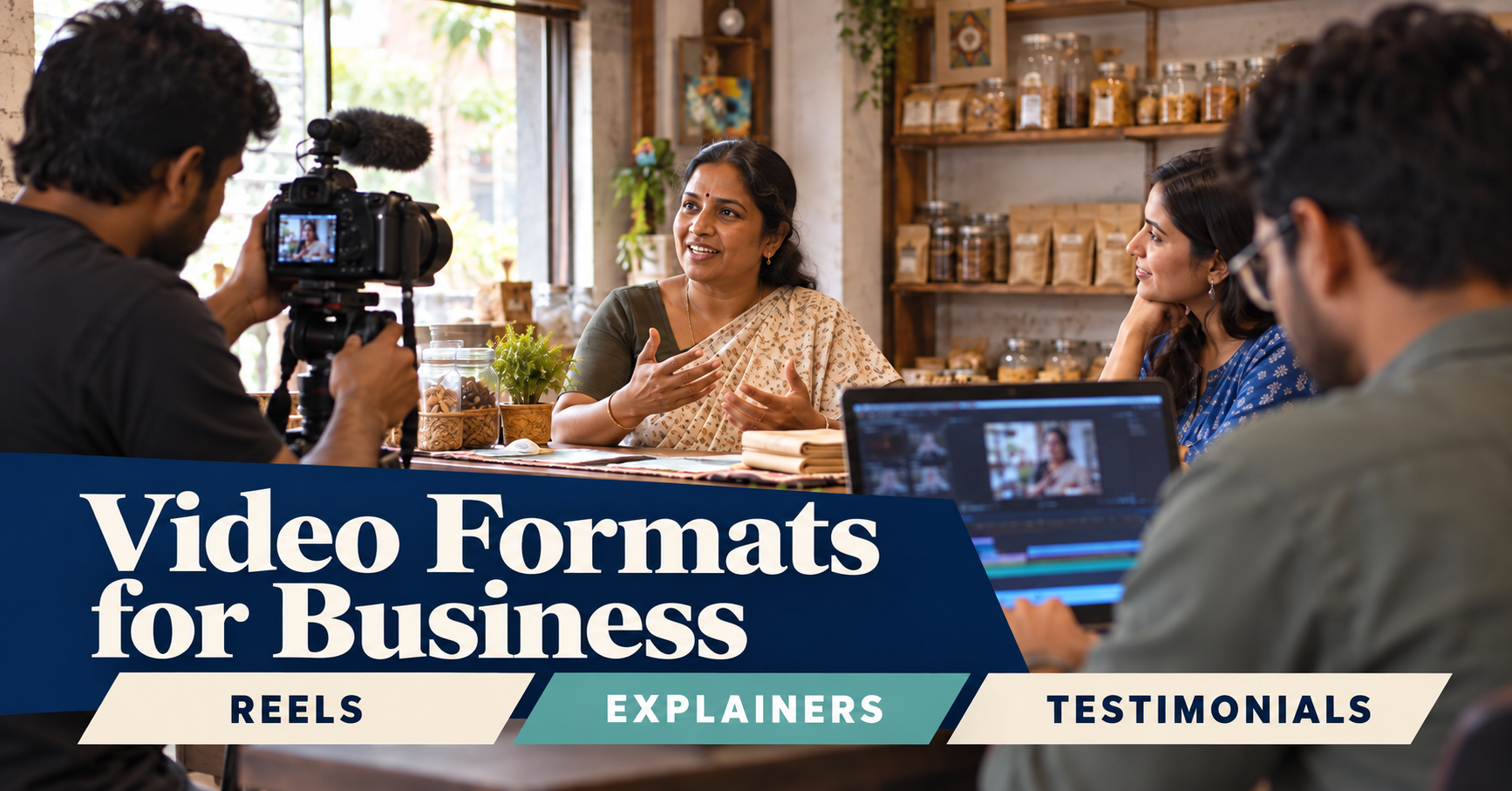
Video editing for a small business starts with one choice: what should the viewer understand or do after watching? Pick the format to fit that job. A Reel, explainer, product demo, and testimonial each answer a different customer question.
MATCH THE VIDEO TO THE CUSTOMER QUESTION
- Reel: Use a short vertical clip to introduce one idea, show a quick process, or answer a common question. Keep it focused on one message. For opening lines, see our Instagram Reels hook guide. For the edit itself, use the checks in Reels editing tips.
- Explainer: Show how a service or process works. Use simple steps and visuals when a buyer needs context before contacting you. If the video sits on a sales page, pair it with a mobile-friendly website experience.
- Product demo: Show the product in use from the customer's point of view. Include the feature that solves a real problem, not every feature on the list.
- Testimonial: Let a customer explain the situation, what they used, and what changed. Keep enough detail for the right viewer to recognize a similar need. Our project portfolio shows how video can sit alongside project context.
GIVE THE EDITOR A CLEAR BRIEF
Share the target viewer, the question, the platform, and the next action. Add the footage, logo, product details, examples, and any proof the edit can use. Say whether the video needs captions, voice-over, or versions for different placements.
Do not ask for "something engaging" without explaining the purpose. A clear brief helps the editor decide what to keep, remove, and emphasize. It also makes review easier because you can judge the cut against the job.
REVIEW THE CUT ON A PHONE
Check that the first frame gives viewers context, captions are readable, speech is clear, and the main point survives without sound. Confirm that text and faces are not hidden behind platform controls. For Reels ads, Meta's creative guidance recommends vertical video, quality audio, and key messages within safe zones. Check current specifications for each placement.
Choose pacing that supports understanding. Remove repeated points and dead space, but let a demonstration or customer answer finish. Fast cuts cannot fix a message that is hard to follow.
PLAN THE NEXT STEP
End with one useful action: view a service, compare options, or contact the team. If you have longer footage, a separate repurposing workflow explains how to plan multiple short clips from it.
A good format makes the work easier to watch and easier to measure. Compare videos by their purpose: discovery, explanation, product understanding, or trust. Do not judge a testimonial by the same signal as a Reel made for reach.
FREQUENTLY ASKED QUESTIONS
Which business video should I make first?
Choose the question that most often delays a sale. Use a demo for product uncertainty, an explainer for process questions, or a testimonial when buyers need proof.
Can one shoot support several formats?
Yes, if you plan the questions and capture clear sections, supporting shots, and customer quotes before filming.
For help planning and editing business videos, see our video services or contact our team.